
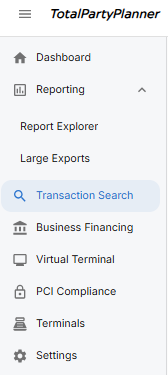
The Pulse Transaction Search is located on the left side of the Dashboard in the TPP Pay Pulse Portal
Within the Transaction Search, you can utilize the filters at the top of the page to narrow down your Date Range, Processing Network (ACH, Debit, Credit, Etc) and the last 4 of the Account number used to make the payment: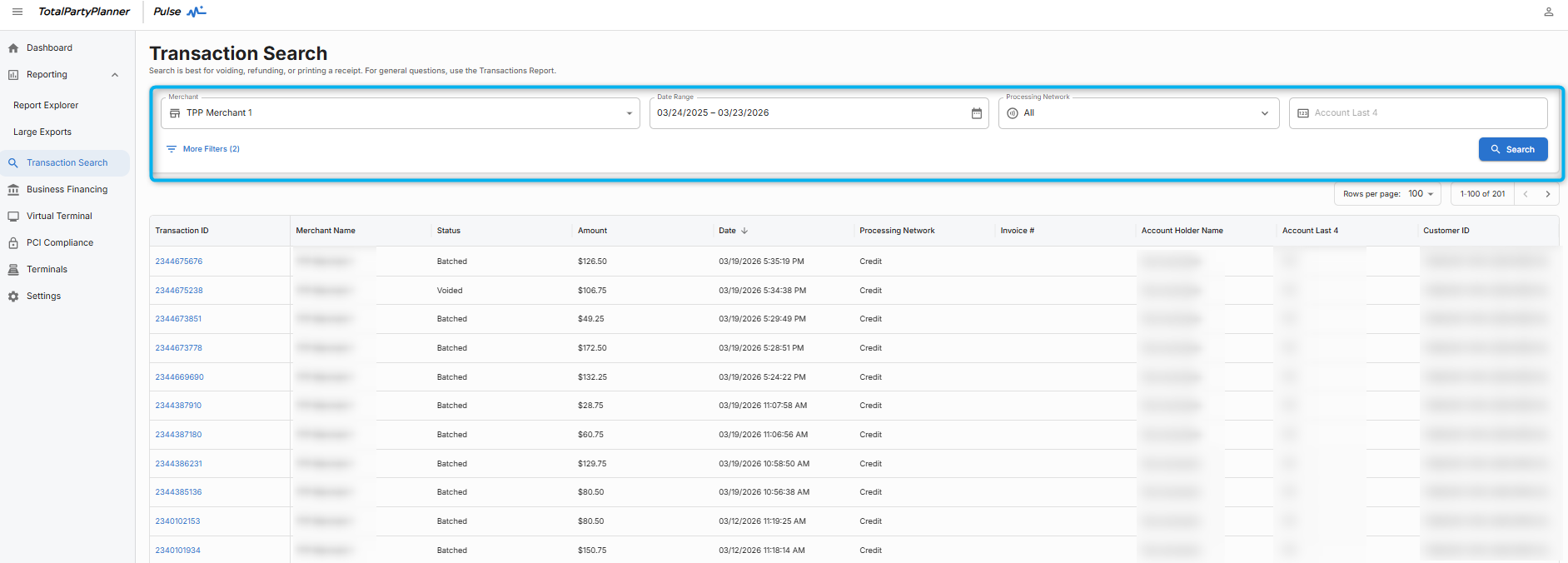
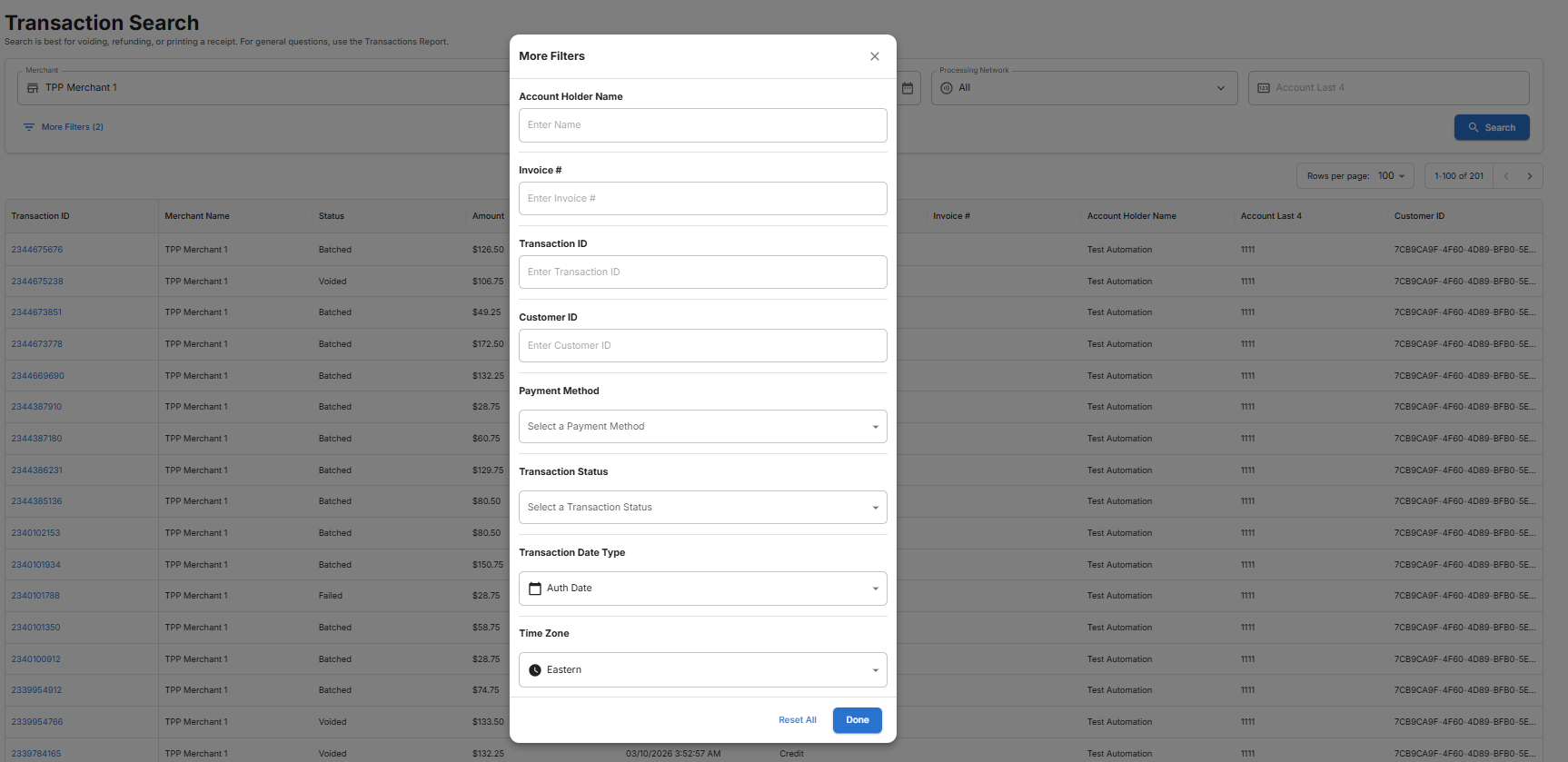
You can also select “More Filters” to narrow down your search further:
Once you locate your Transactions. You can select the “Transaction ID” to view more information regarding the individual transaction:

This is an excellent way to view very details information about the transaction, including declines codes or voided transactions.
